
How do I request removal of my information from WhiteBridge?
Use the official opt-out form to remove records about you.
To remove specific records about you from WhiteBridge search results, use the official opt-out form linked from the WhiteBridge website.
Complete the removal request
- Open the form with the button below and read the instructions.
- Complete each required step. You will need to show who you are, how the record relates to you, and that you have the right to ask for its removal. The form says incomplete submissions are automatically rejected.
- Open the confirmation link sent to your email. According to the form, the review starts only after every step is complete.
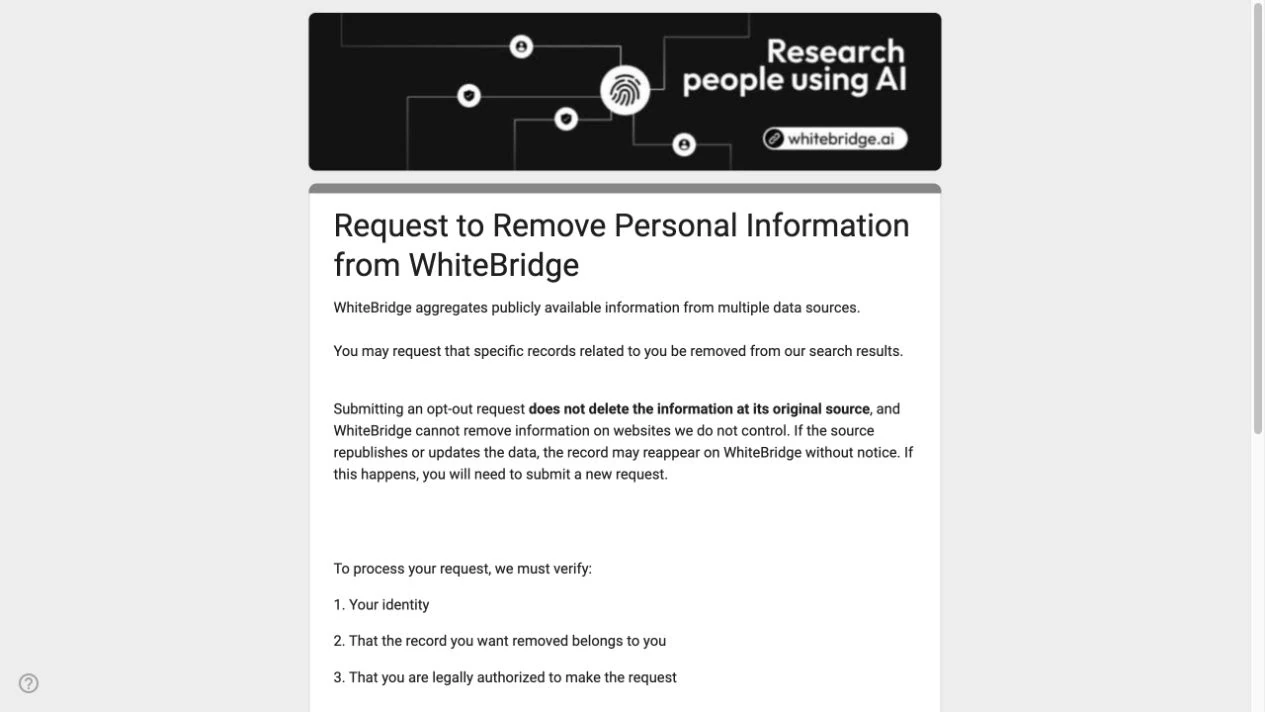
Removal from WhiteBridge does not remove the information from the original website. The form also says that records which are republished or updated may reappear and need a new request.
Open opt-out formReferences: Official WhiteBridge opt-out form
Reviewed 27 September 2026