
How do I open the WhiteBridge billing portal?
Use your purchase email to open the Stripe billing portal.
The billing portal is a separate page, powered by Stripe, that signs you in with a link sent to your purchase email. For most billing tasks, including canceling, updating your card, and invoices, use the Billing page in your WhiteBridge account.
Open your billing account
- Open the billing portal with the button below.
- Enter the email address you used for your website purchase and select Send.
- Open the link in the email to see the billing options for your account.
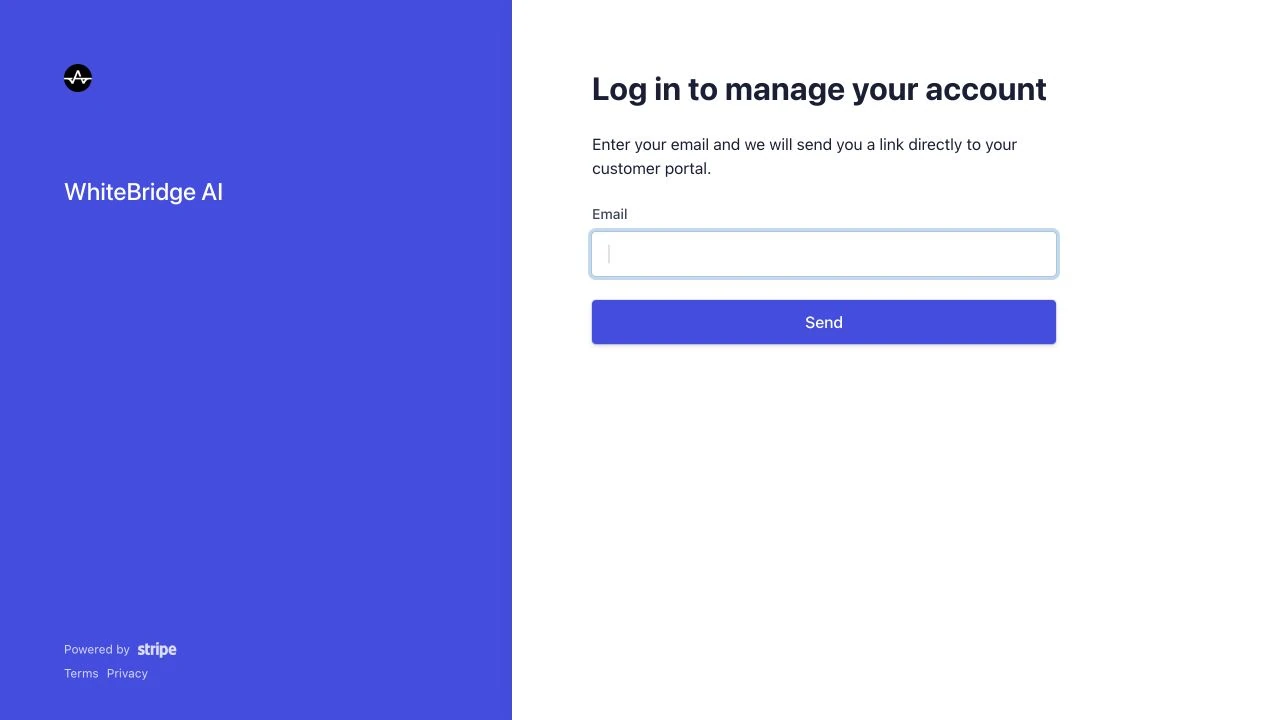
If the email does not arrive, check your spam folder and the address you entered. For purchases billed by Apple, use Apple’s subscription settings instead.
Open billing portalReferences: WhiteBridge billing portal
Reviewed 27 September 2026